
Arturia KeyLab 61 mk3 — an updated model from the French manufacturer with a colour screen
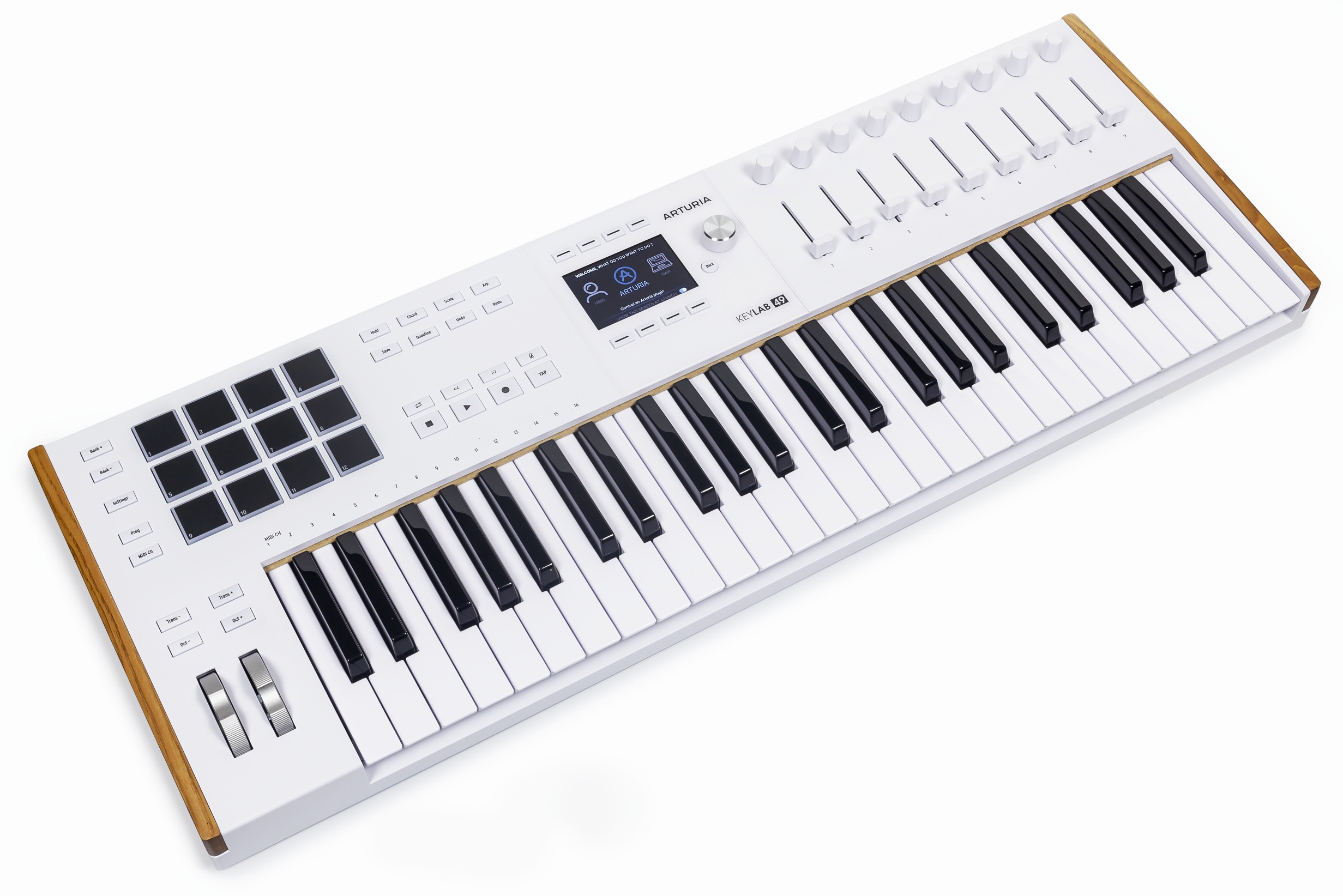
Readers already know the 49-key Arturia KeyLab 49 mk3. Our review found the third KeyLab generation successful and advanced. Beechwood details and a new colour screen distinguish it. Full MIDI control, DAW integration and easy Arturia software operation combine with a revised arpeggiator, chord mode and improved key action for comfortable studio work.
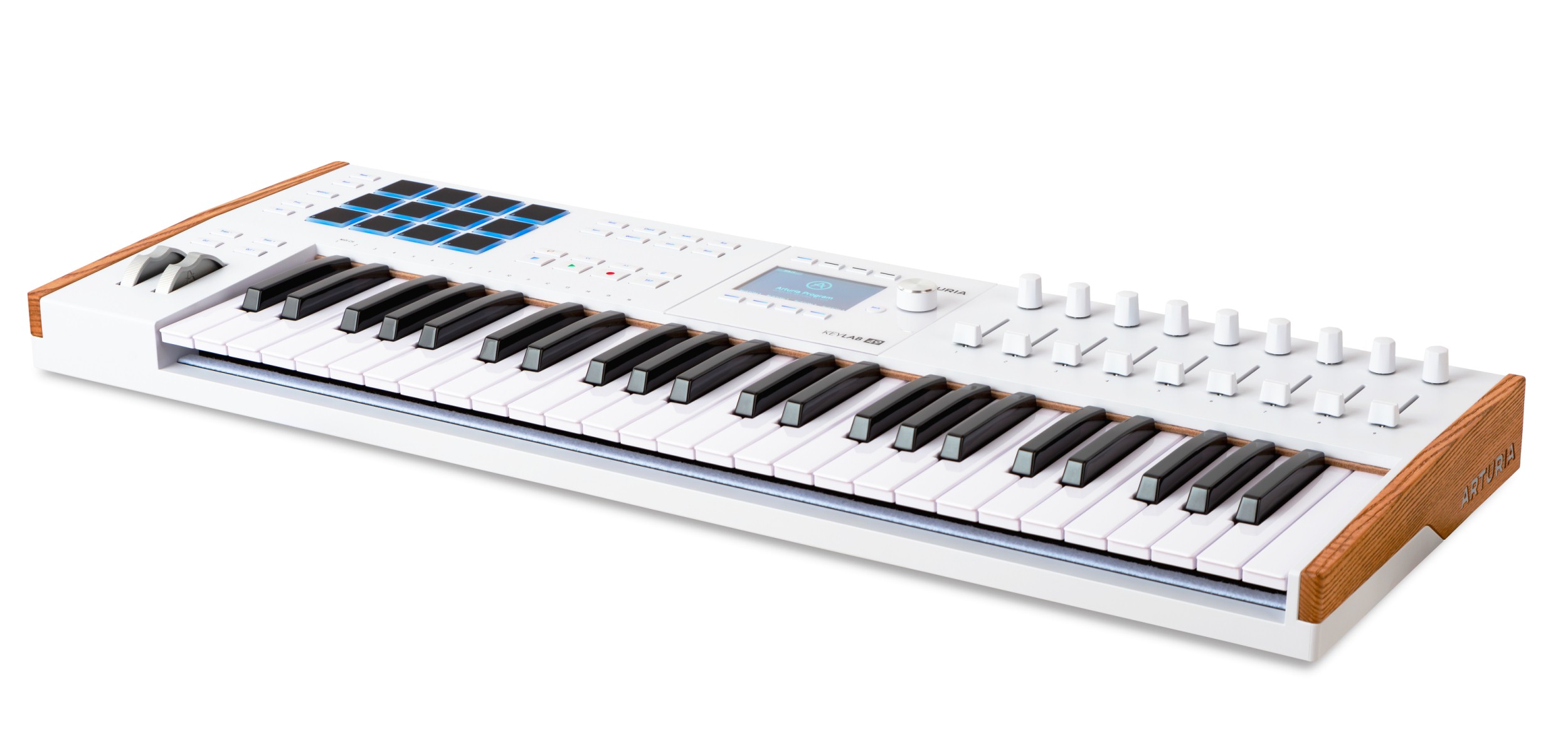
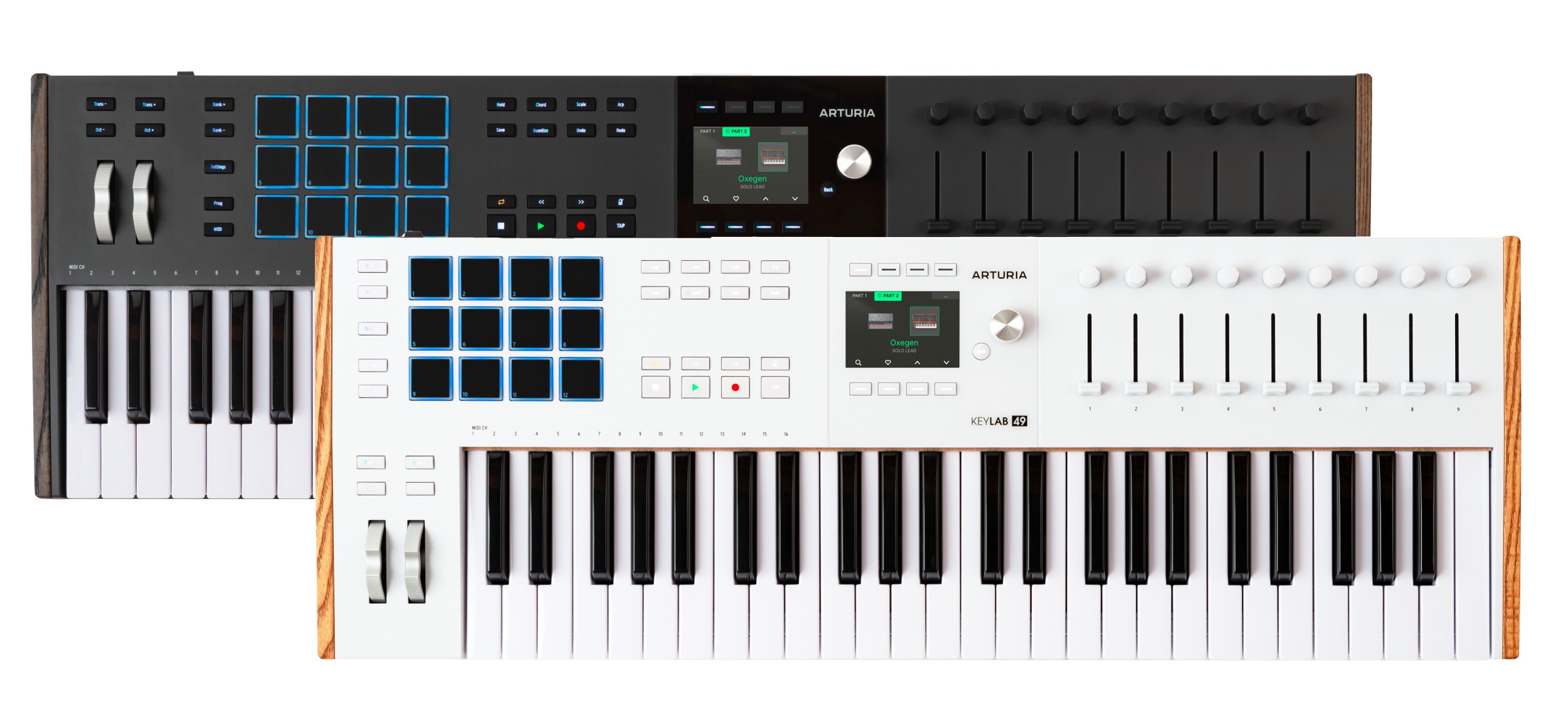
The models differ only in key count. The four-octave KeyLab 49 mk3 saves space and suits electronic music. The five-octave KeyLab 61 mk3 needs less octave shifting and allows complete parts, including piano music. Black and white versions are available from launch, without waiting for a Noir Edition.
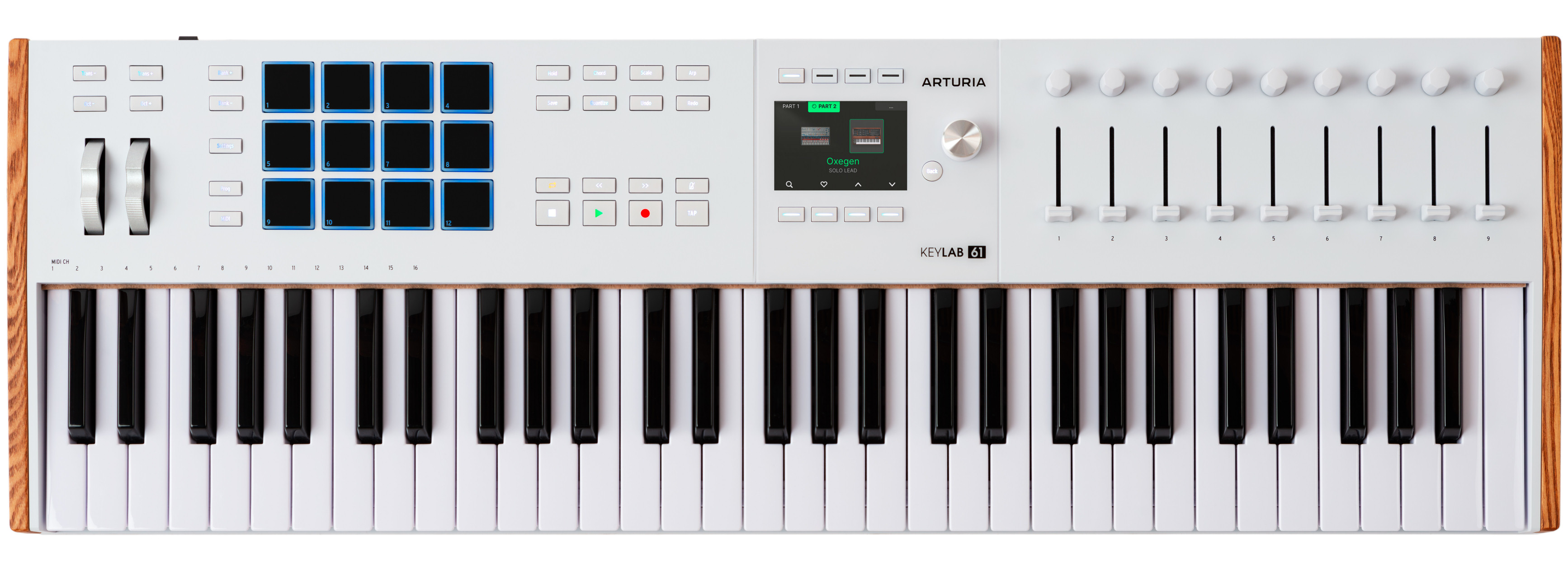
KeyLab is Arturia's most advanced controller range. Many buttons, knobs and faders provide close integration with Arturia virtual instruments and selected DAW functions.
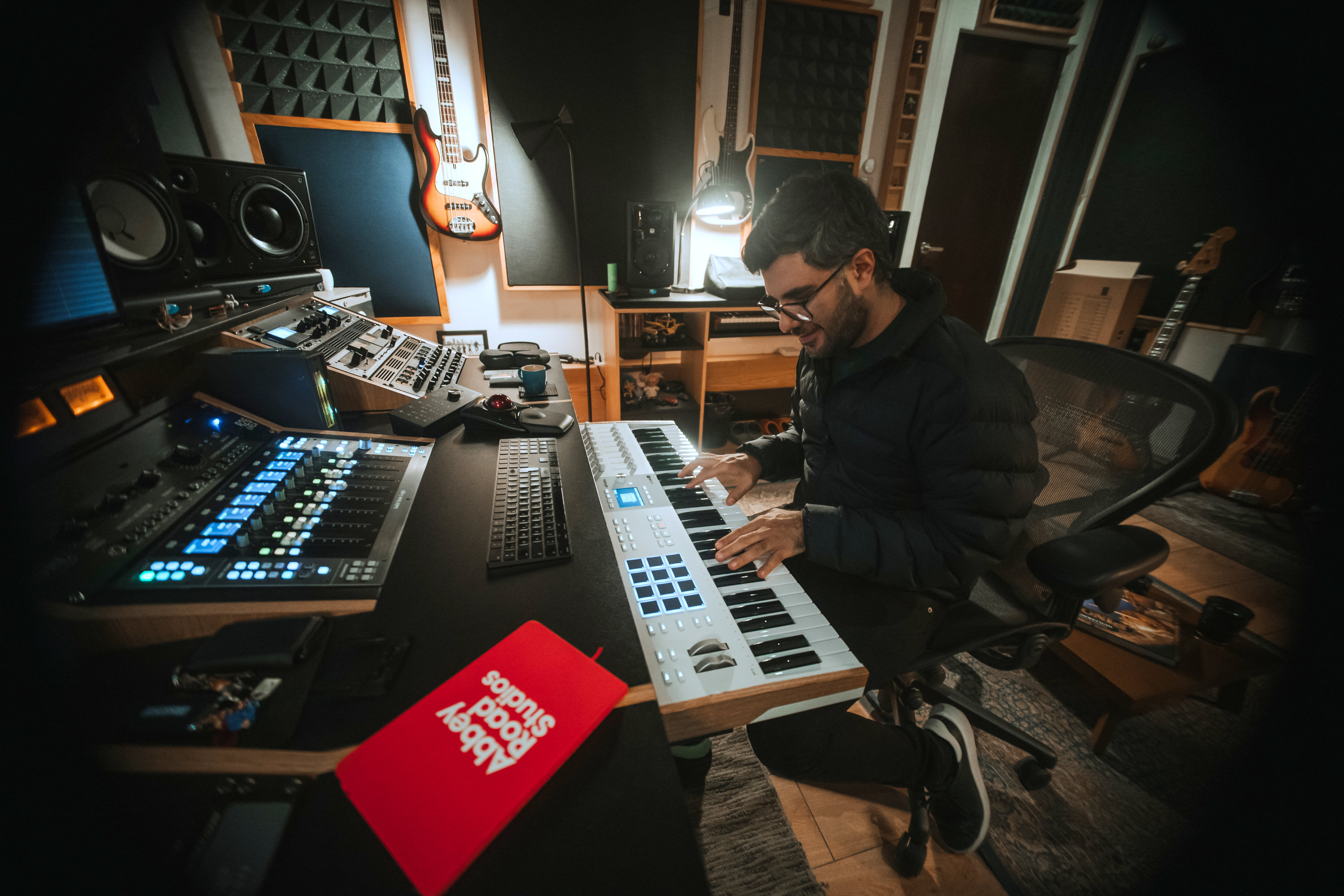
Computer control uses Mackie Control and HUI. Ready-made scripts support Ableton Live, FL Studio, Logic Pro, Cubase and Bitwig Studio. Other DAWs use Standard MCU or Standard HUI with manual control assignments. Scripts and detailed installation instructions are available from Arturia.
Included software lets users start immediately: full Analog Lab Pro, Ableton Live Lite, Mini V, Piano V, Augmented Strings, NI The Gentleman and Rev PLATE-140. The package also includes two months of Loopcloud and 40 Melodics lessons.
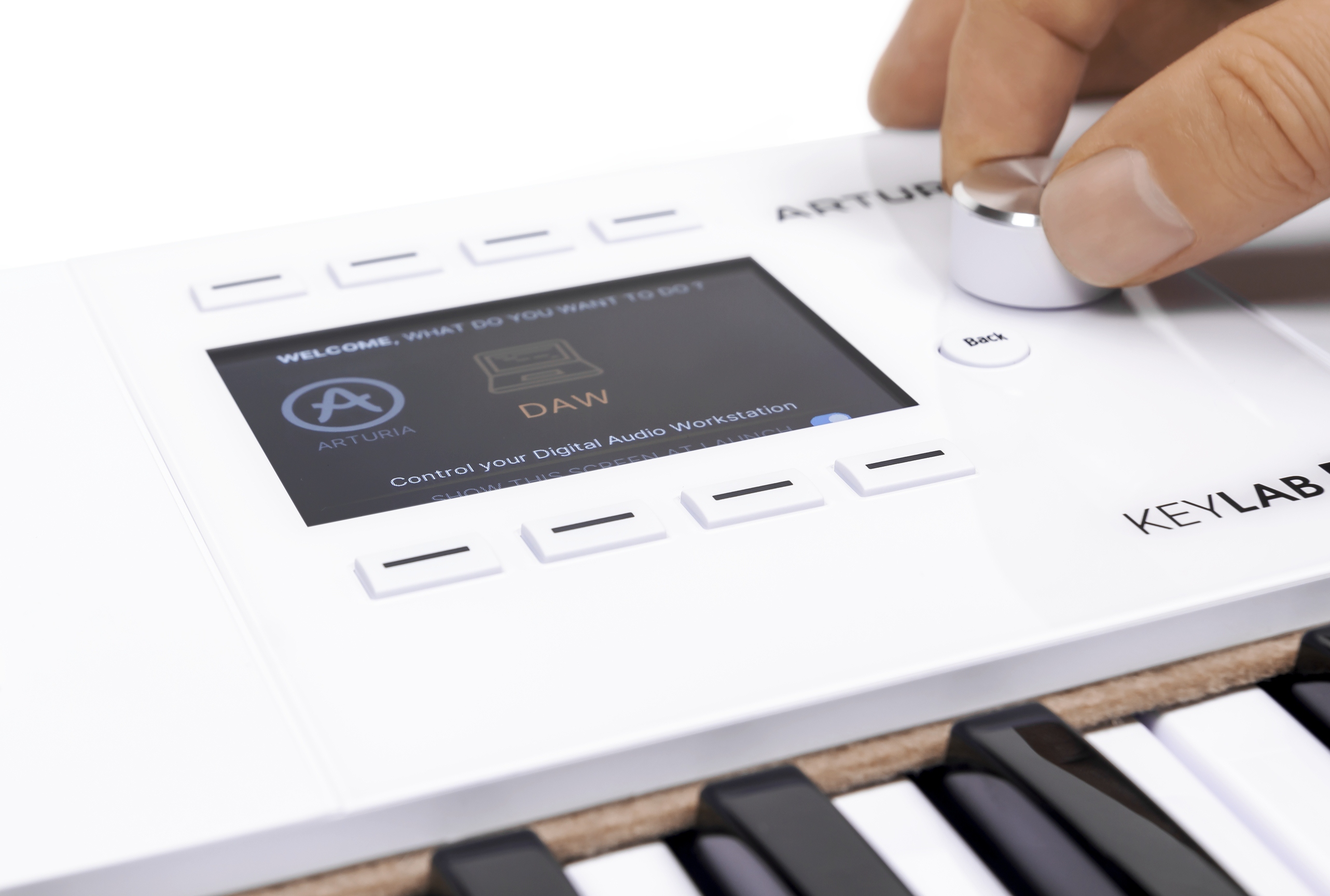
The control approach is unchanged. Three modes switch quickly between DAW, Analog Lab and external synth operation. Assignments change immediately with the mode, giving convenient access to settings and functions.
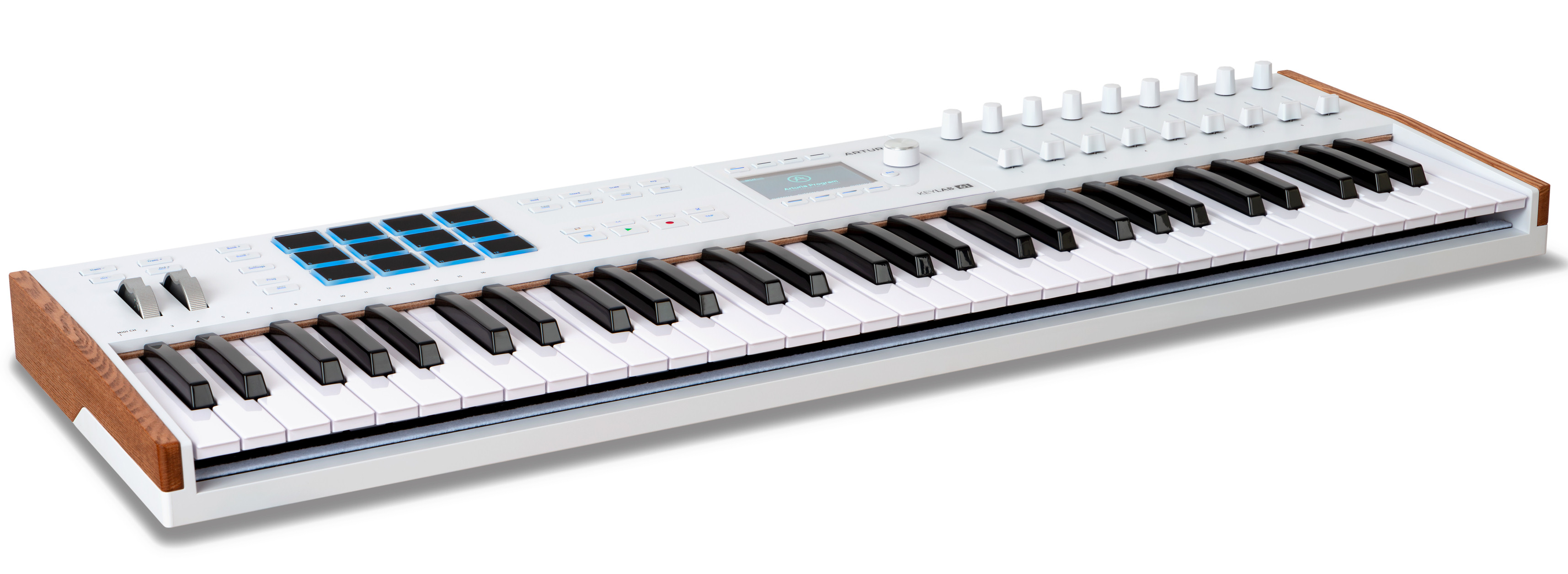
Arturia mode assigns all onboard controls to Analog Lab. DAW mode controls the sequencer. USER provides up to 7 additional configurations with individual assignments for every available control.
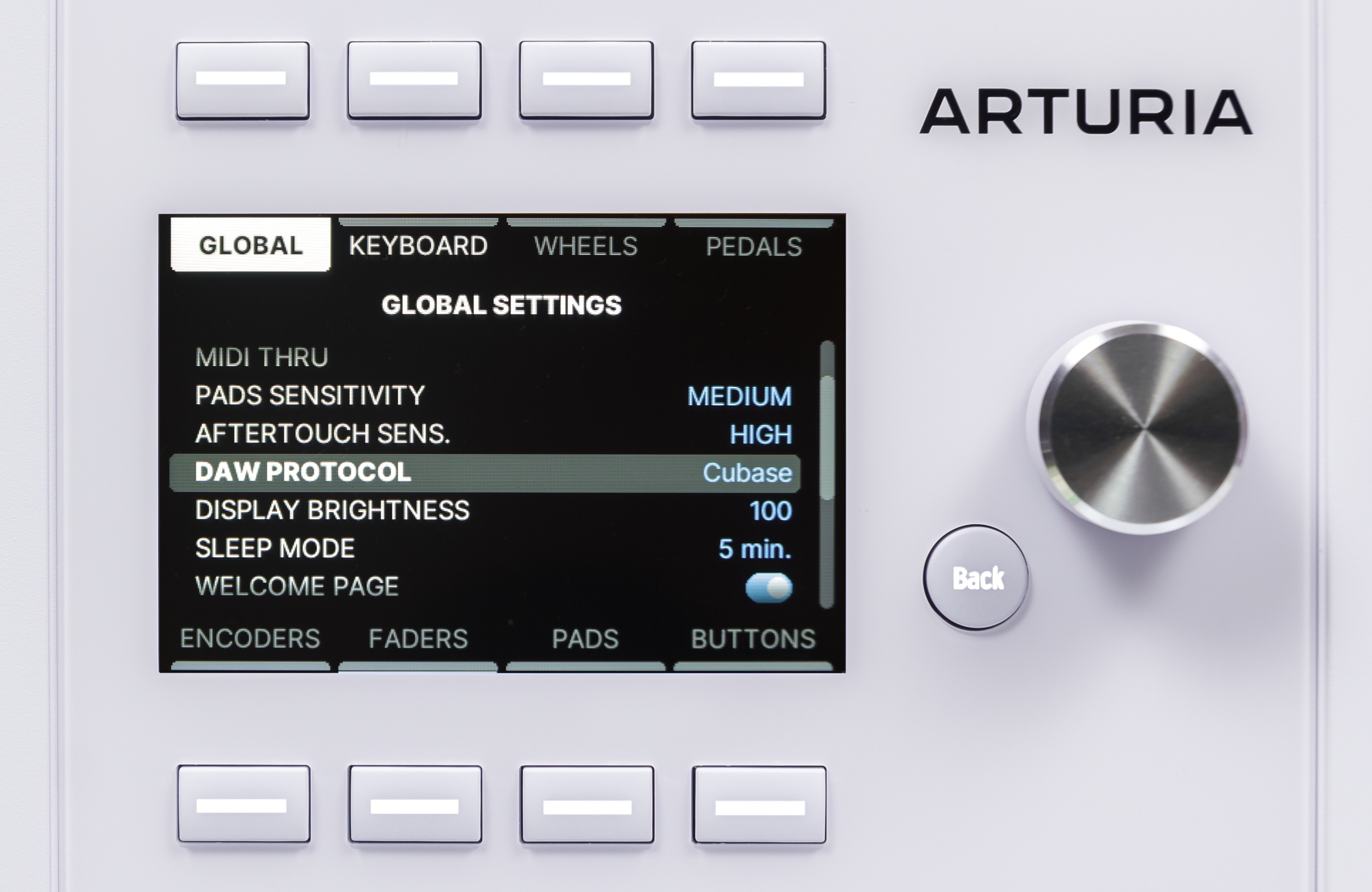
The large display is the main new feature: 3.5 inches and 480 × 320 pixels. Instrument graphics, parameters and settings appear clearly. A digital knob and context buttons beside it handle navigation.
The display makes the large Analog Lab library easier to browse from the keyboard, whether standalone or on a DAW track.
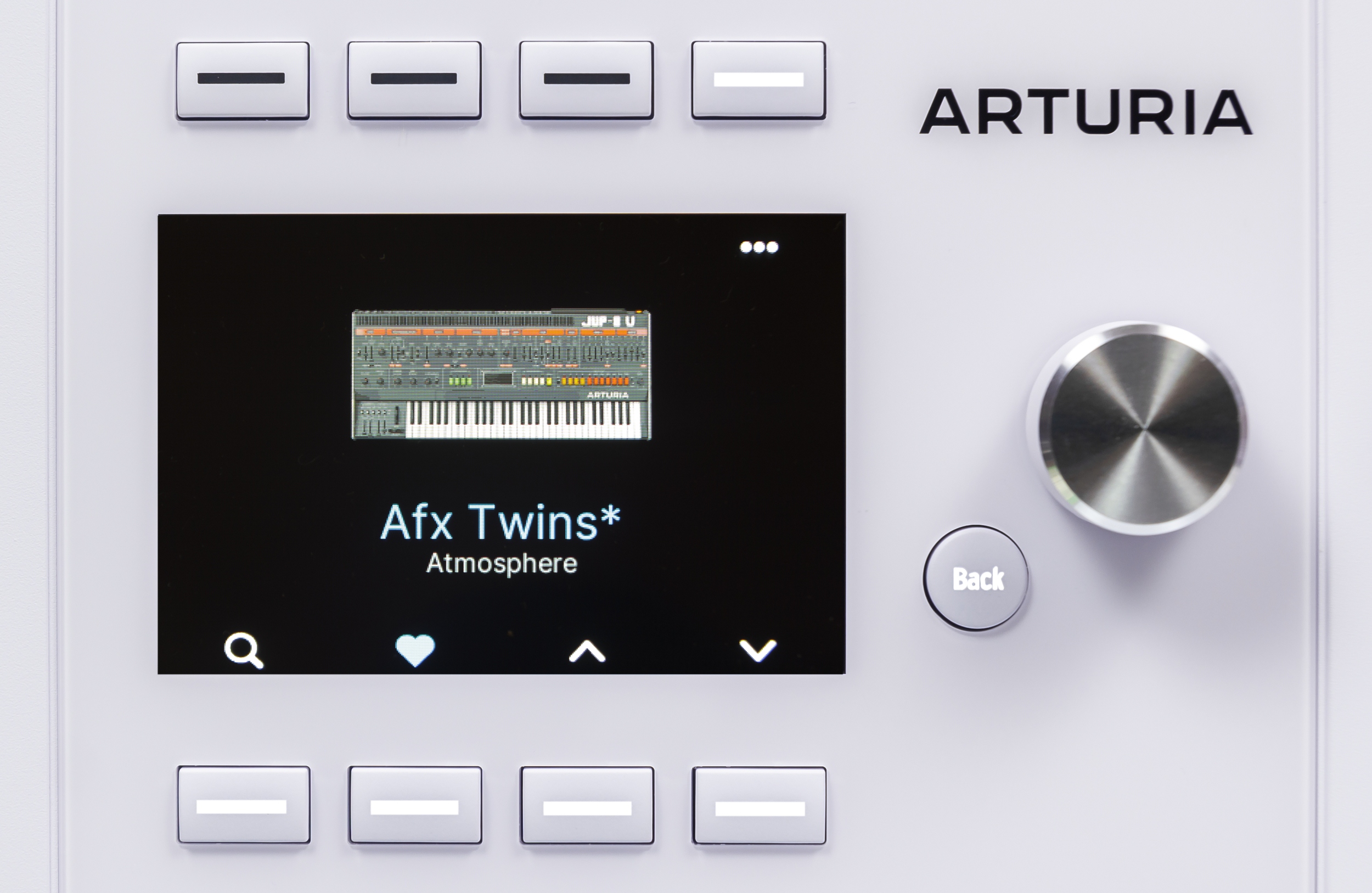
Loaded Analog Lab Pro presets show a graphic of the instrument. Turn the knob to browse and press to load. Button browsing can load sounds automatically, reducing the next-preset action to one press.
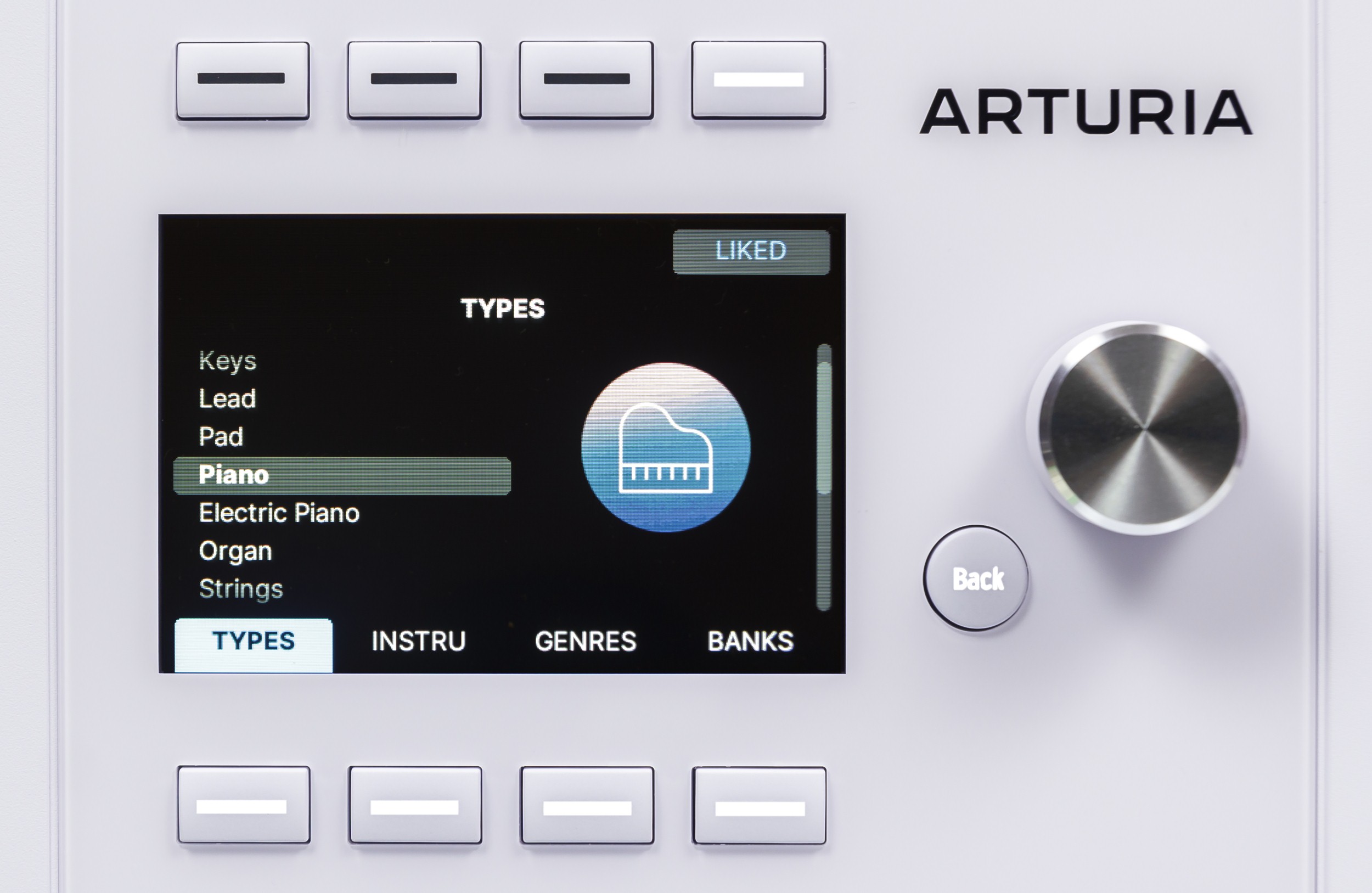
Tag filters speed sound searches within categories. Many subcategories narrow the list further. LIKED quickly marks favourites for future access.
The screen is also useful in DAW mode.
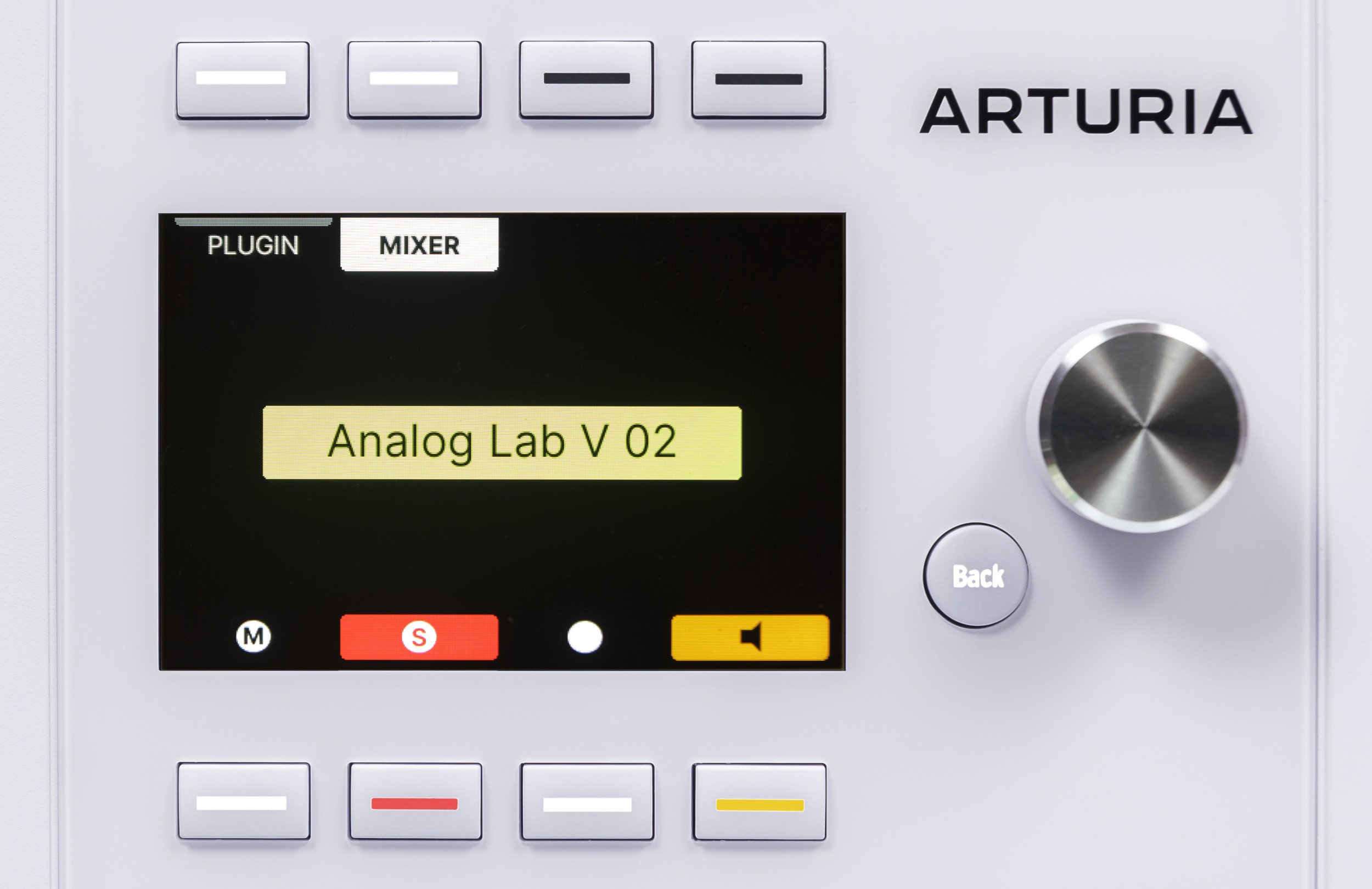
It shows the selected track or plug-in name. Buttons below activate MUTE, SOLO, REC or MON.
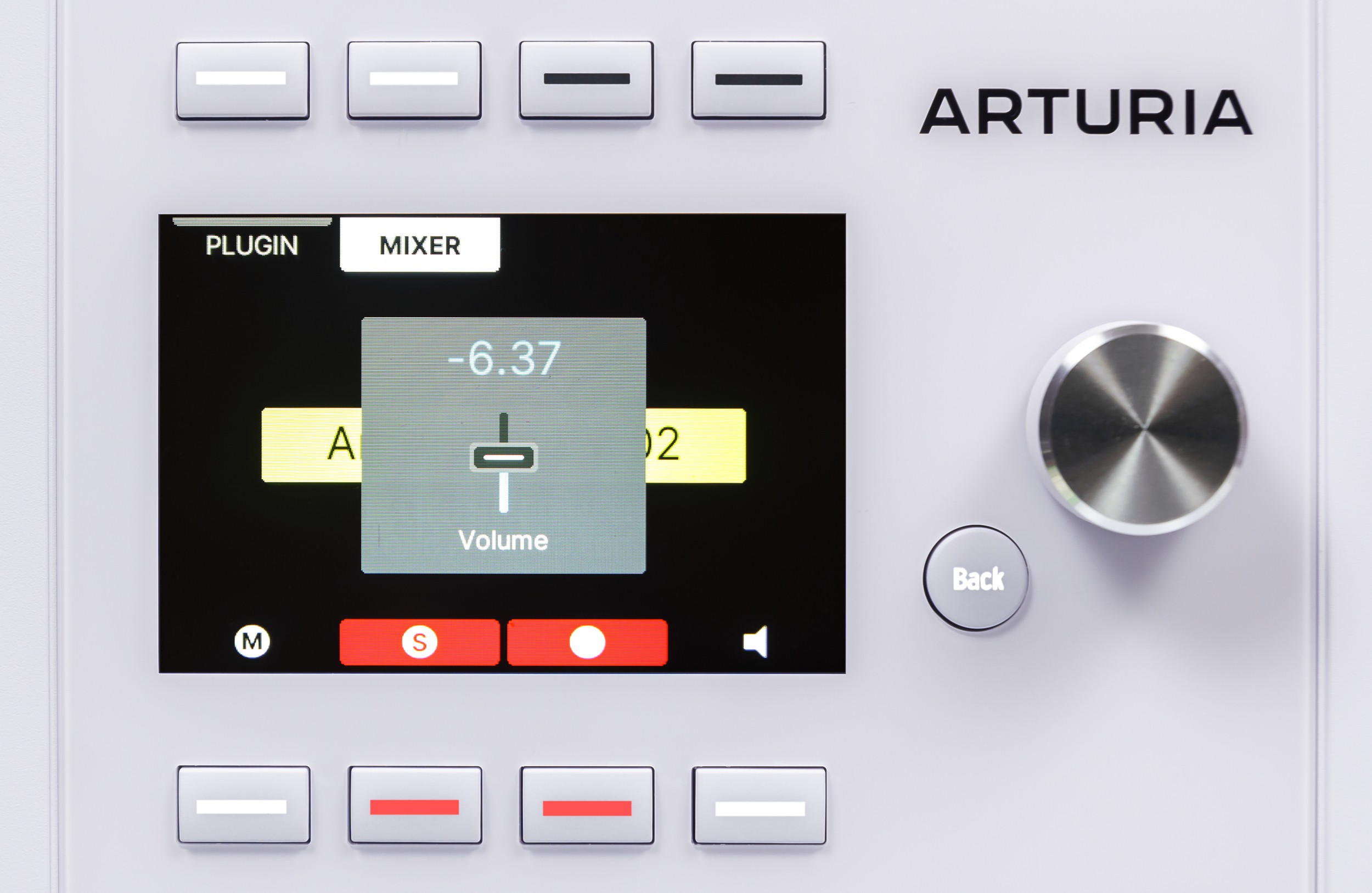
Moving a knob or fader overlays a graphic of the control and its current value.
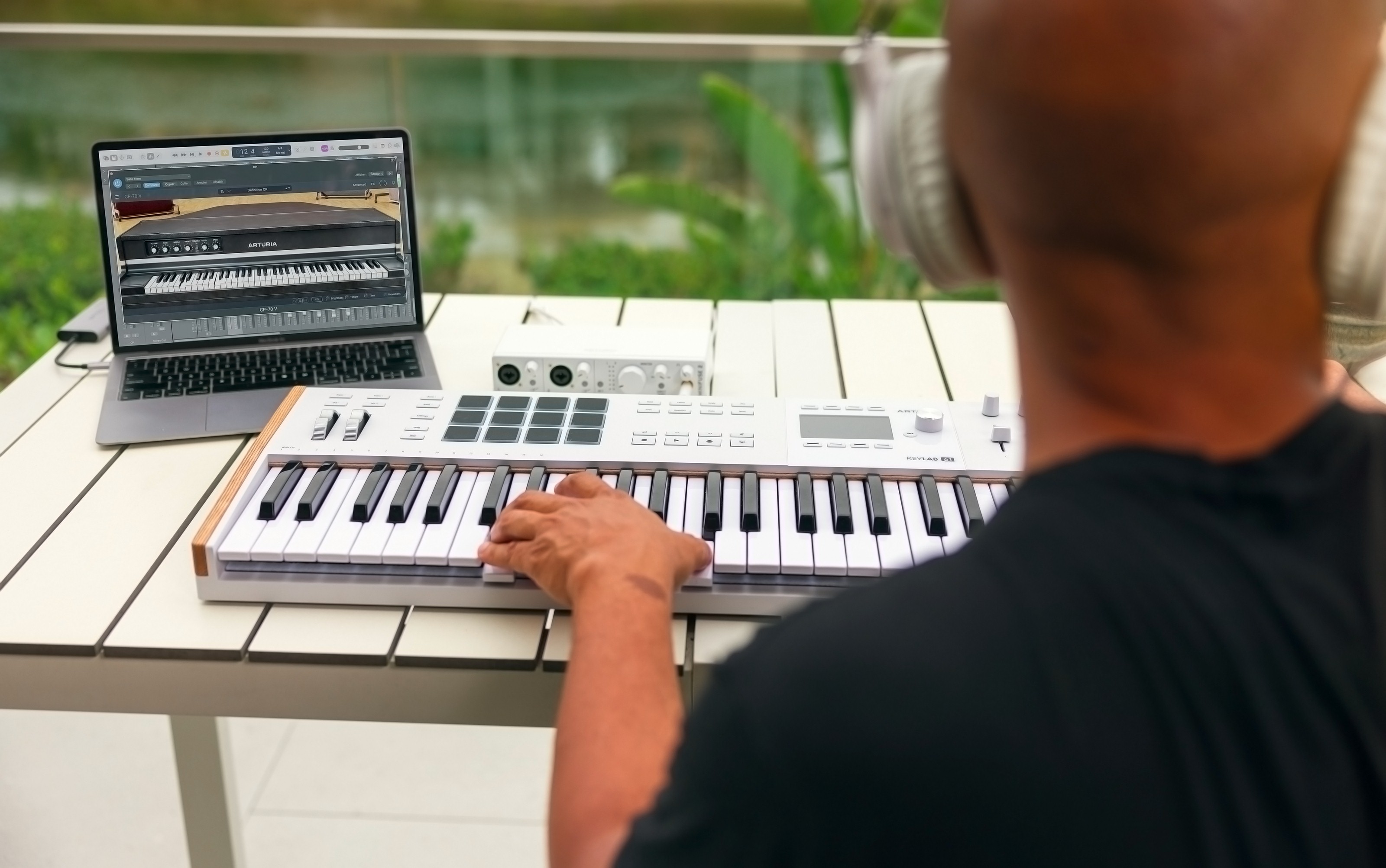
DAW mode controls either the mixer or a third-party plug-in. In mixer mode, eight faders adjust channel volume and the ninth controls master. Knobs adjust pan. In plug-in mode, faders change assigned parameters or Quick Controls, as in Cubase. Knobs correspond to the first effects-send bus.
The fader section loses its buttons but gains touch-sensitive knobs and faders. Touching a control shows its value or assignment without changing it.
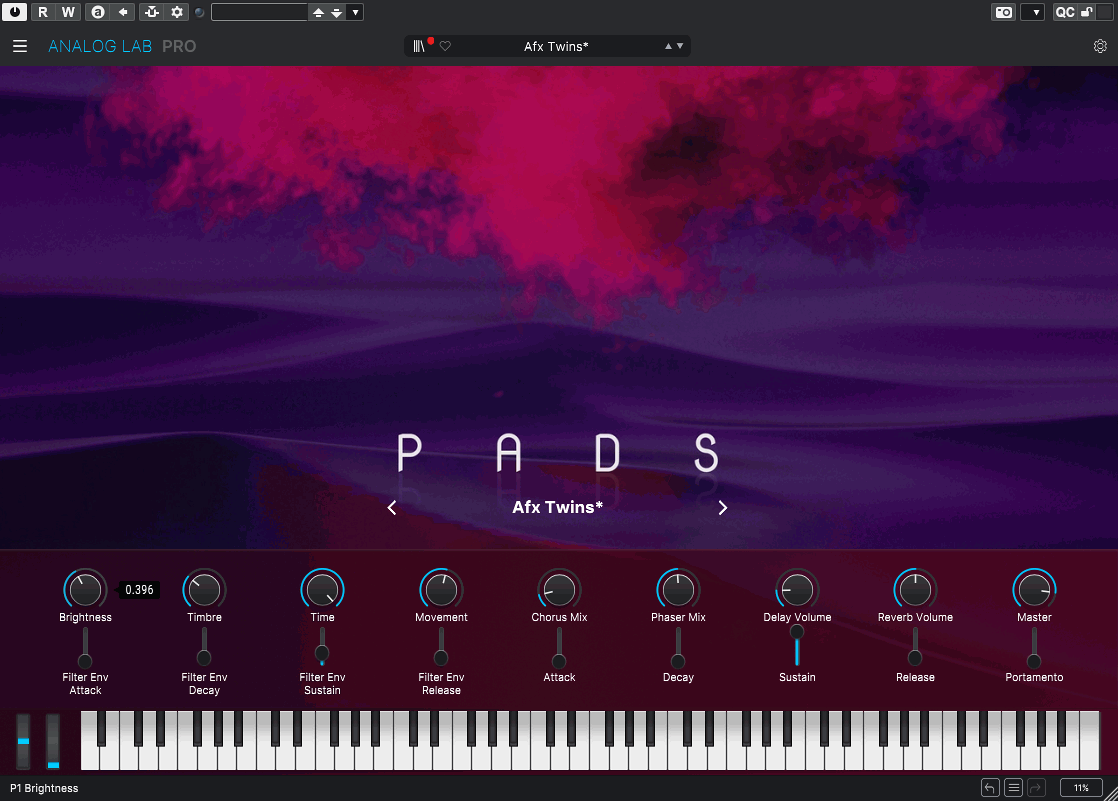
In Arturia mode, hardware follows the Analog Lab macro panel. All preset assignments are ready-made. They vary with the sound but normally control major aspects of its character. Many controls allow broad access to parameters. With the full V Collection instrument installed, any parameter can be assigned to a macro.
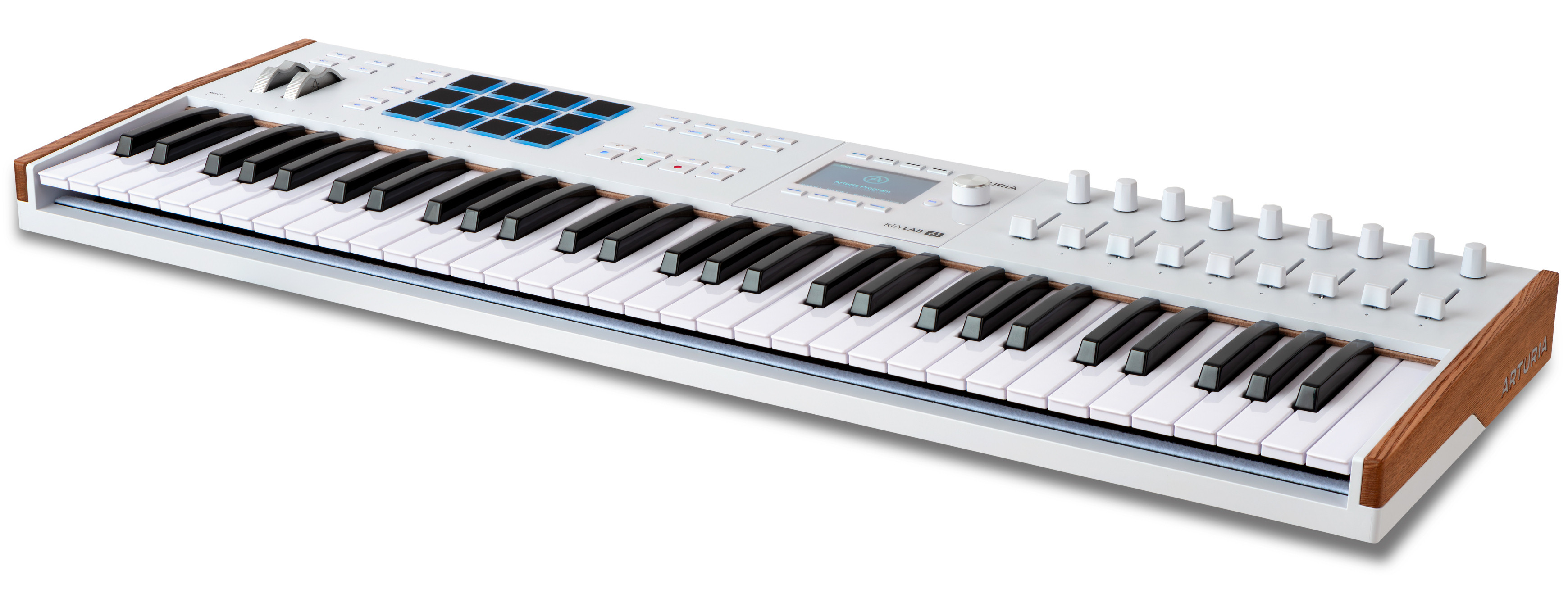
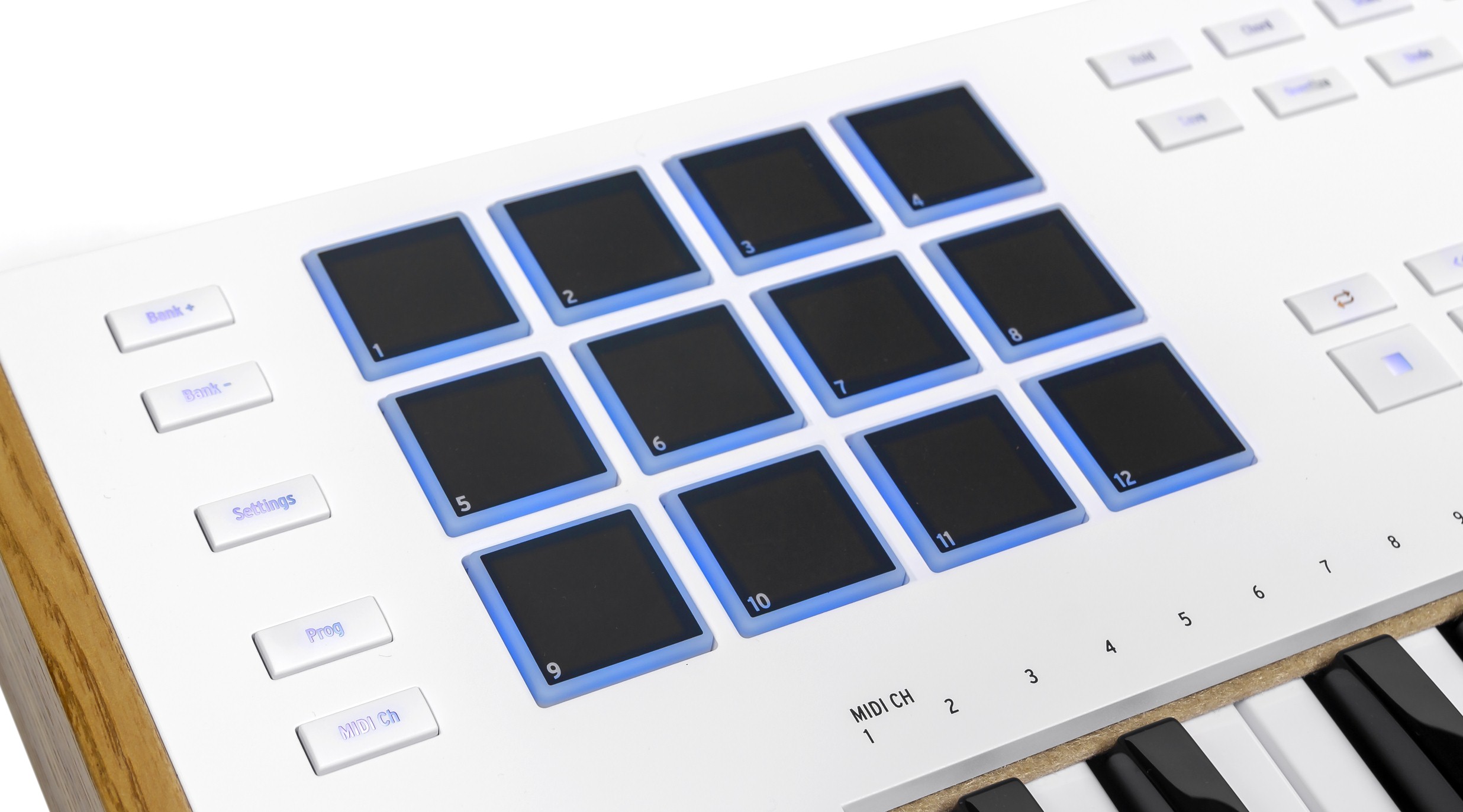
The new KeyLab has 12 pads instead of 16, with four modes covering different ranges and functions. RGB pads respond to velocity and pressure. They play notes and chords or trigger samples in Ableton Live and Bitwig. In USER mode, pads can receive other parameter assignments.
DAW mode adds PAD DAW for sequencer commands. In Cubase, pads switch views, add instruments, open the selected track's instrument and control channel effects.
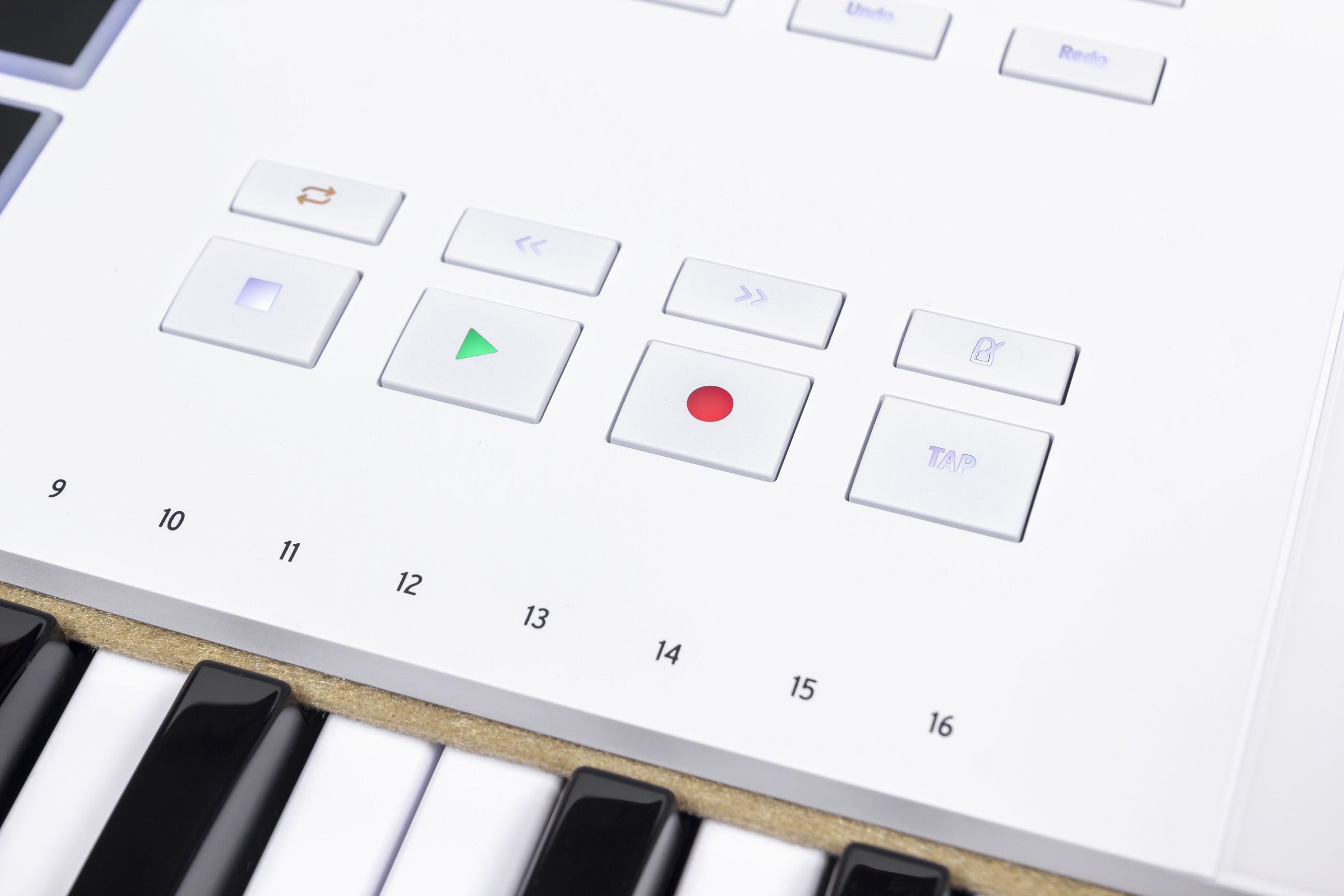
Transport buttons form two rows, with larger play, record and stop buttons. Metronome and rhythm are added. This layout, already used in recent KeyLab Essential models, is convenient.
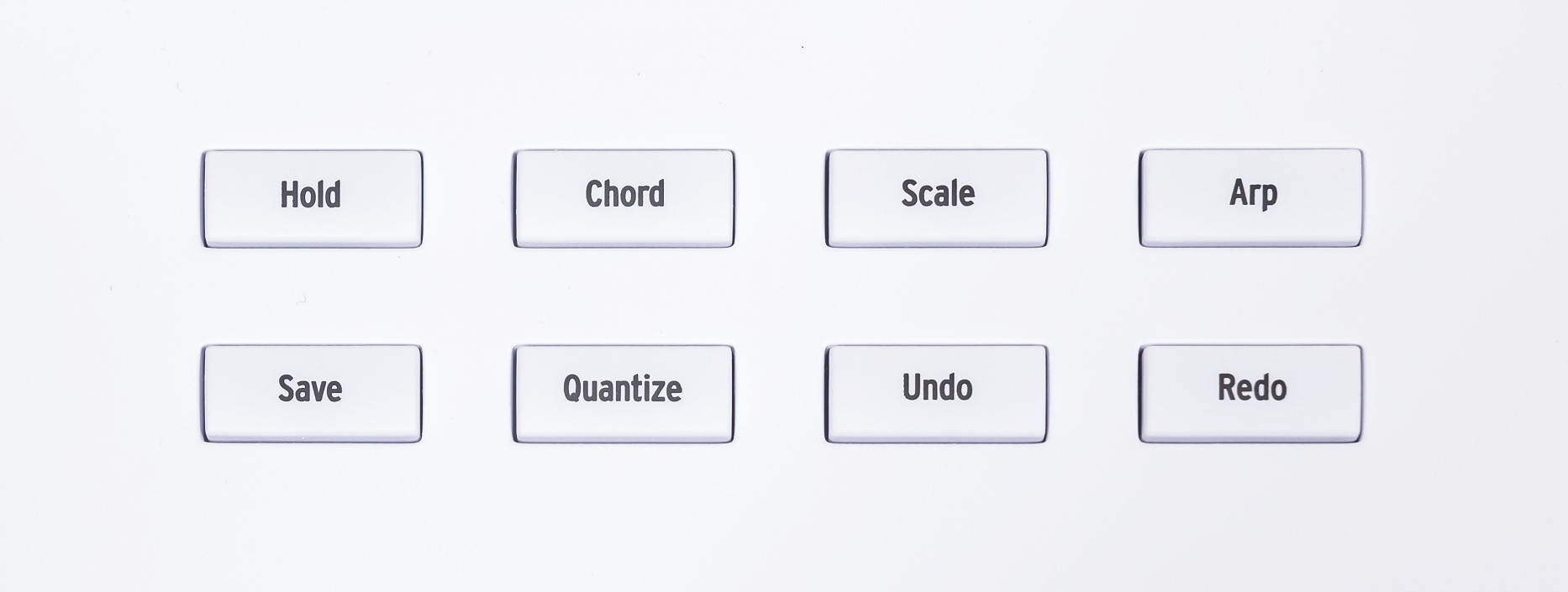
Arpeggiator, chord and scale functions remain with changes. Chord mode is simpler and stores one chord, but adds guitar-like strumming. The display makes arpeggiator and scale setup clearer and easier.

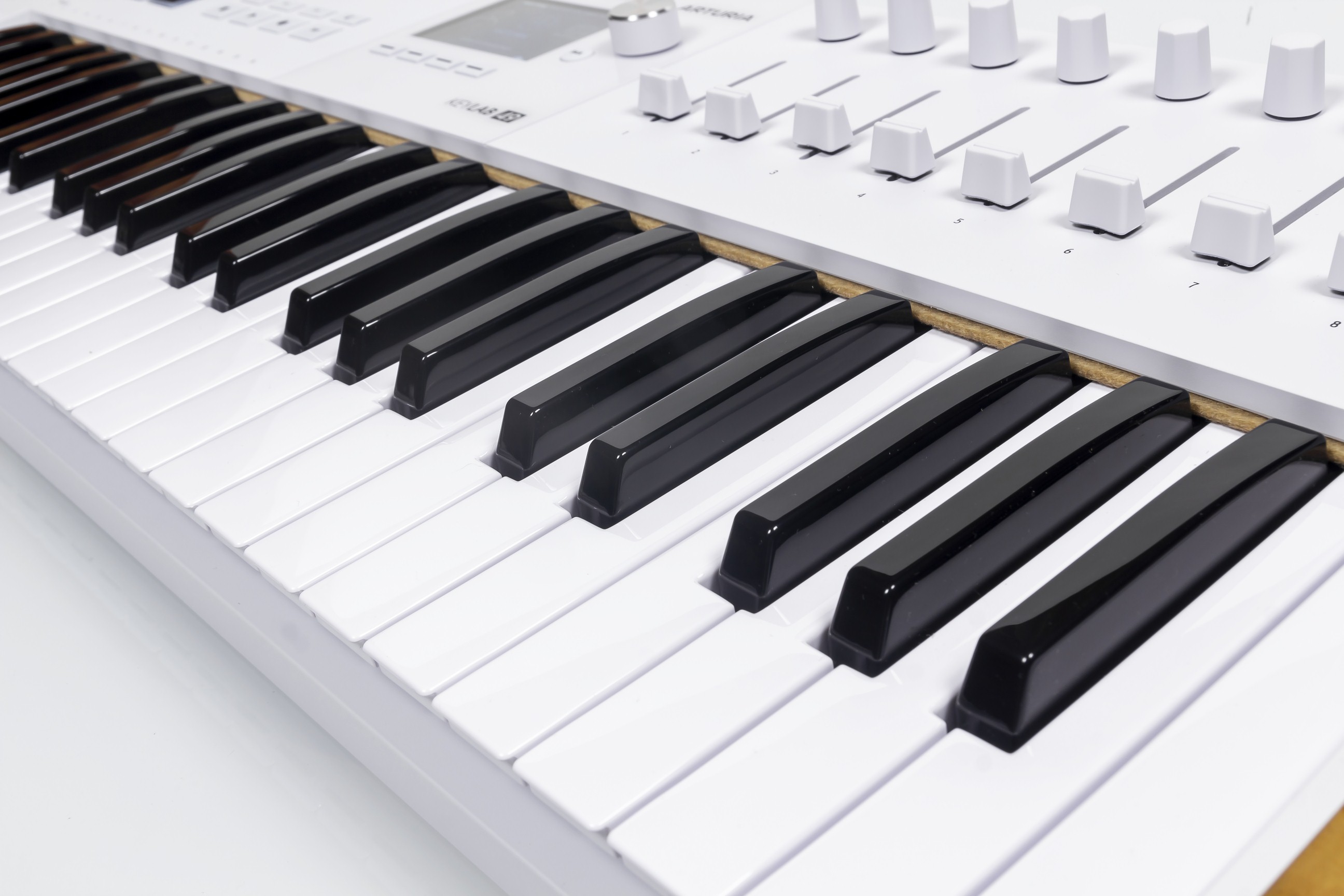
KeyLab mk3 uses a synth action with aftertouch. The revised keys feel slightly firmer but remain light and predictable. The change is not dramatic, yet playing is comfortable. The action is also pleasantly quiet.

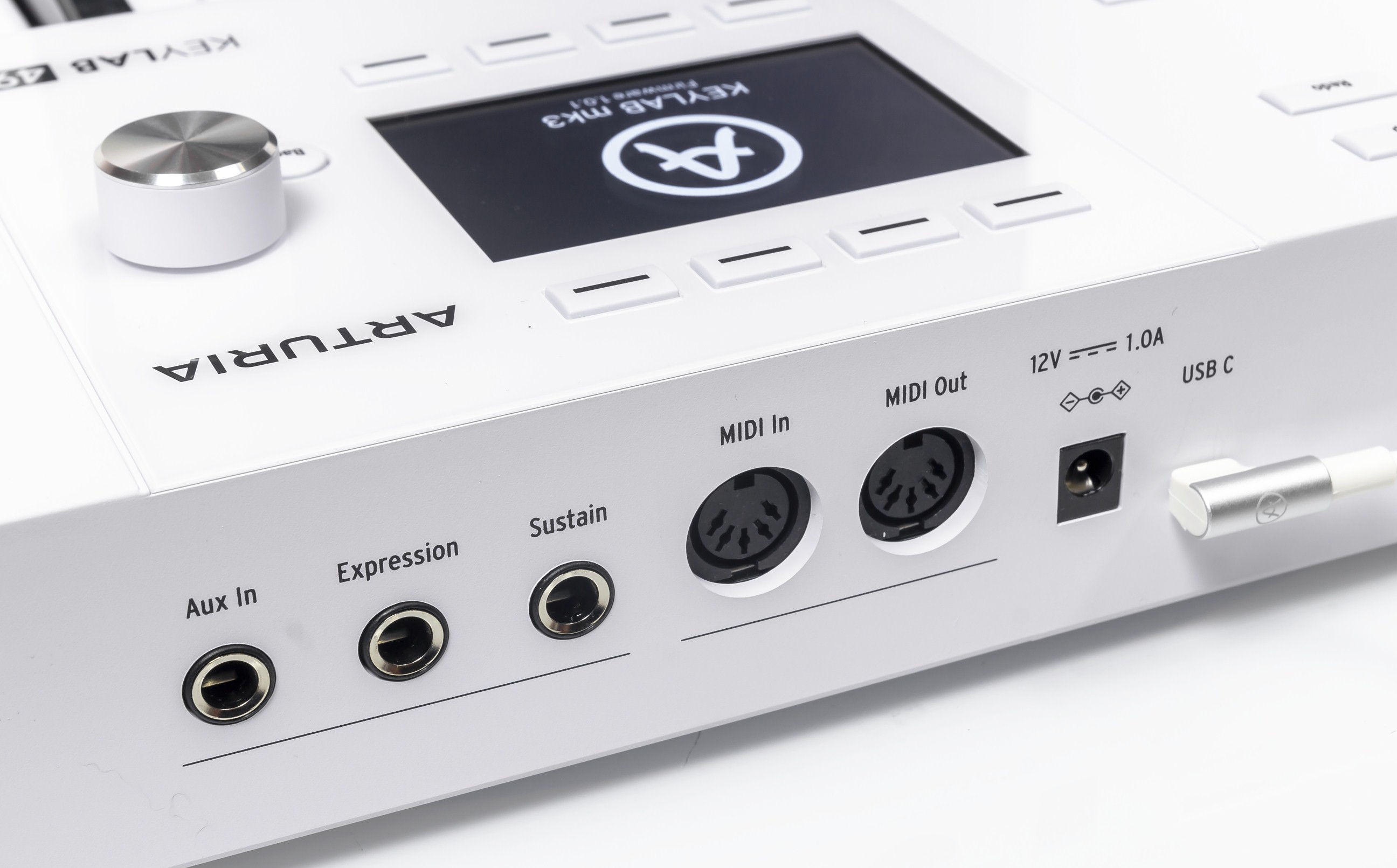
CV outputs are removed, so external synths use conventional MIDI. Three pedal sockets accept sustain, expression and another assigned function. USB Type-C connects the computer through the included right-angle cable and supplies power. External-synth use needs a separately purchased adapter.
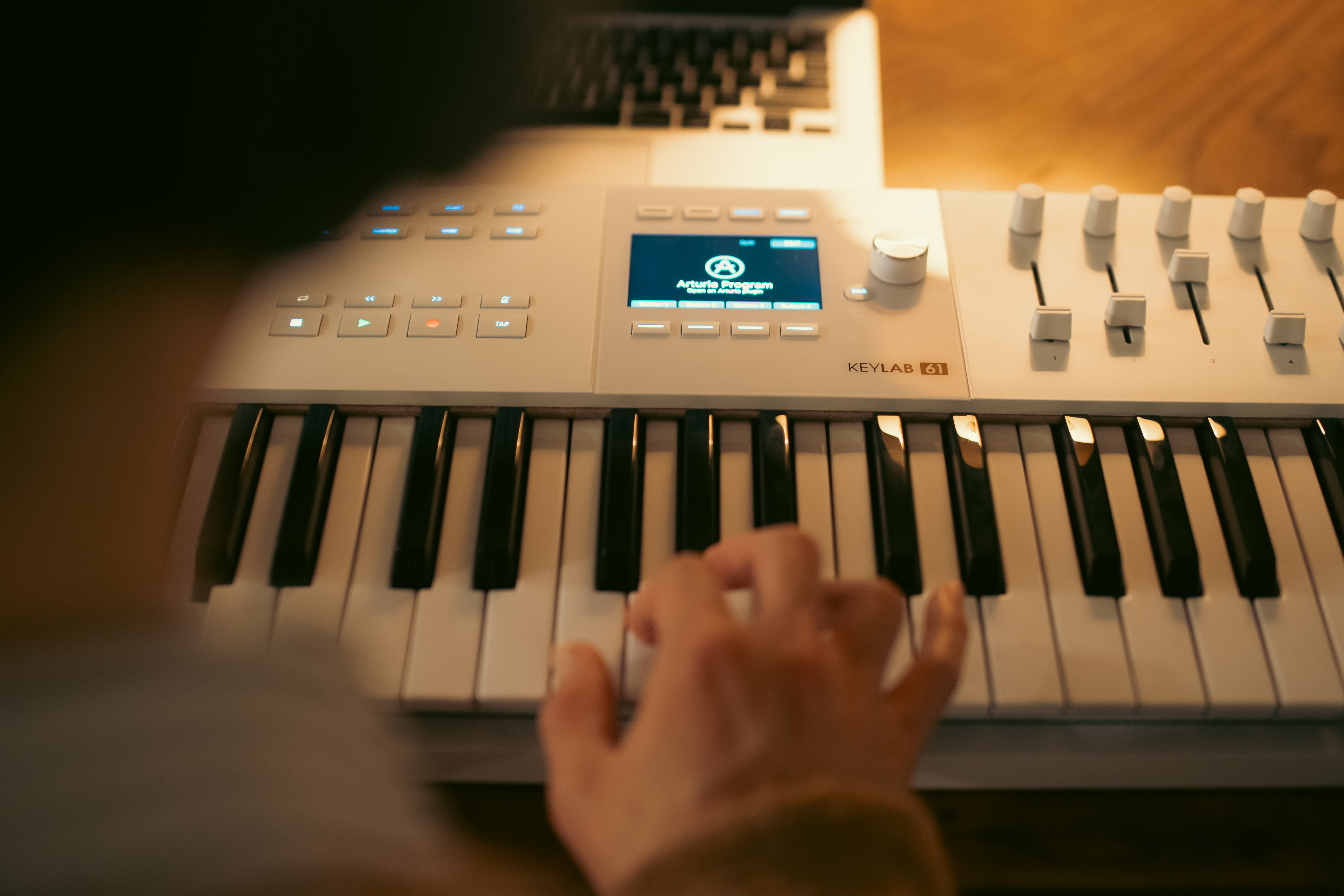




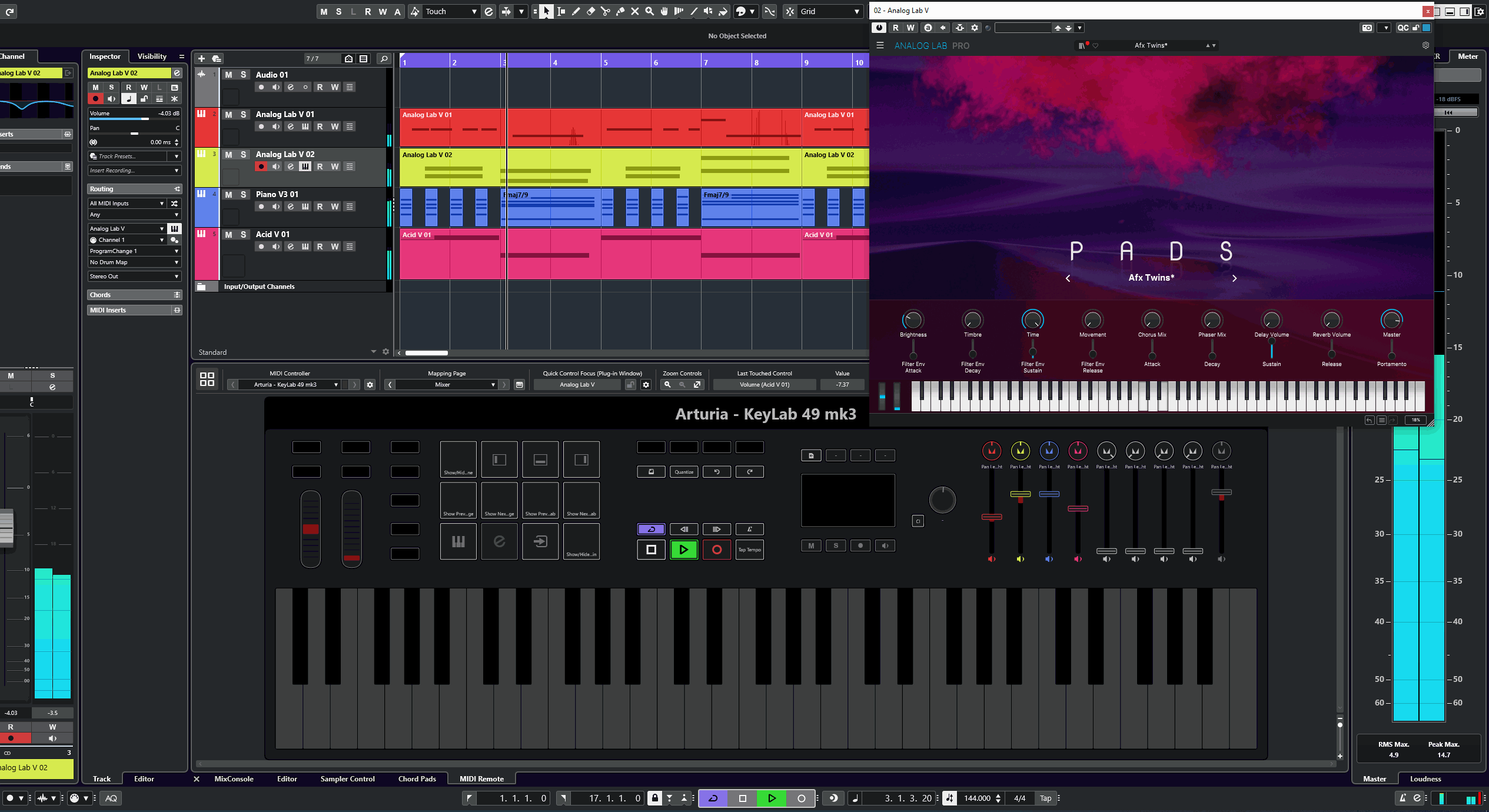
We tested the KeyLab 61 mk3 in Cubase. The script worked fully and all advertised functions performed as expected. Some DAW assignments might not suit everyone, and we would change a few for ourselves. Fortunately, the script is easy to edit and the keyboard provides the required controls.
Conclusions
The KeyLab 61 mk3 successfully improves musician productivity. A colour display and hardware controls reduce dependence on the computer screen and help users focus on composition. More ergonomic control placement, touch-sensitive knobs, larger pads, practical transport buttons and display context buttons simplify operation. The good synth action supports Arturia's reputation as a leading MIDI-keyboard manufacturer.
Note. This is an adapted machine translation into English. It follows the “In simple terms” approach. Read the original article at https://prosound.ixbt.com/keyboards/arturia-keylab-61-mk3.shtml.